Demo Centre

Try six interactive business software demos covering CRM, projects, scheduling, reporting, inventory, and client portals. No signup needed: open a system, switch themes, and click through real workflows. The businesses are fictional and reset when you refresh.

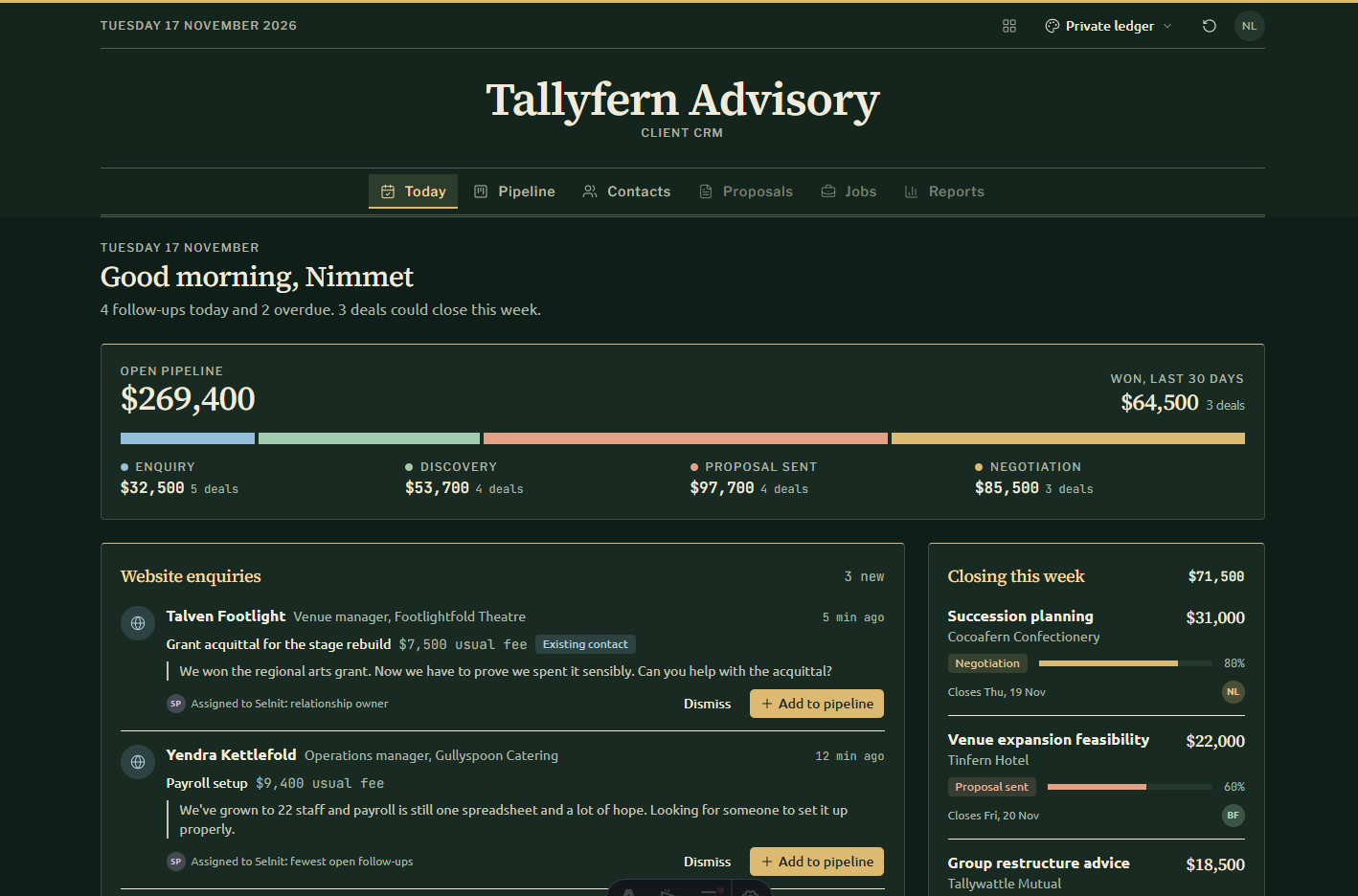
Interactive CRM demo preview showing a client pipeline and follow-ups in the Private ledger theme

CRM

Click through today's follow-ups, drag deals across a sales pipeline, and inspect client records and proposals in a custom CRM built for a service business.

Try this: Move a deal through the pipeline

Theme preview: Private ledger

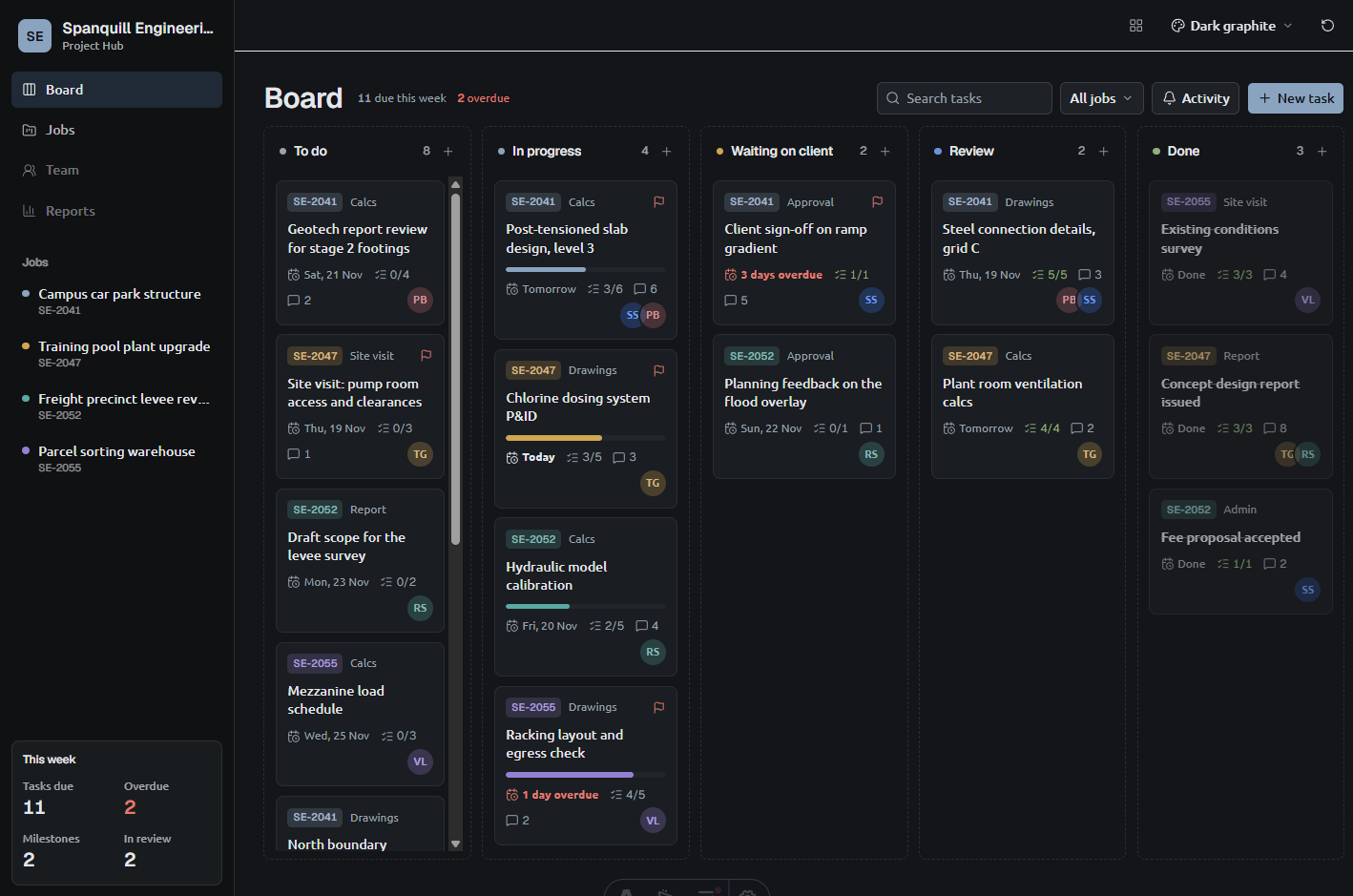
Interactive Project & Task Management demo preview showing a kanban task board in the Dark graphite theme

Project & Task Management

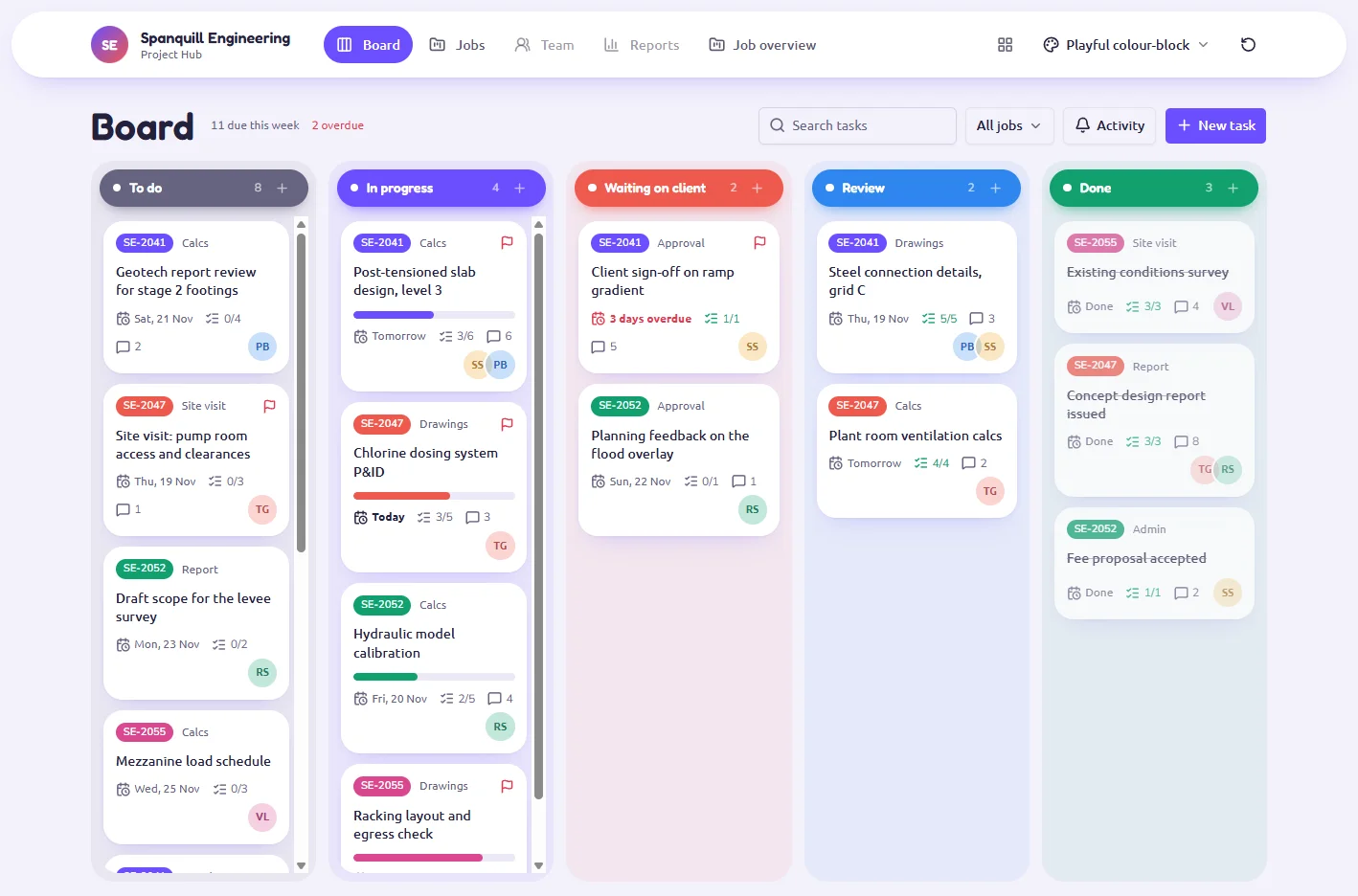
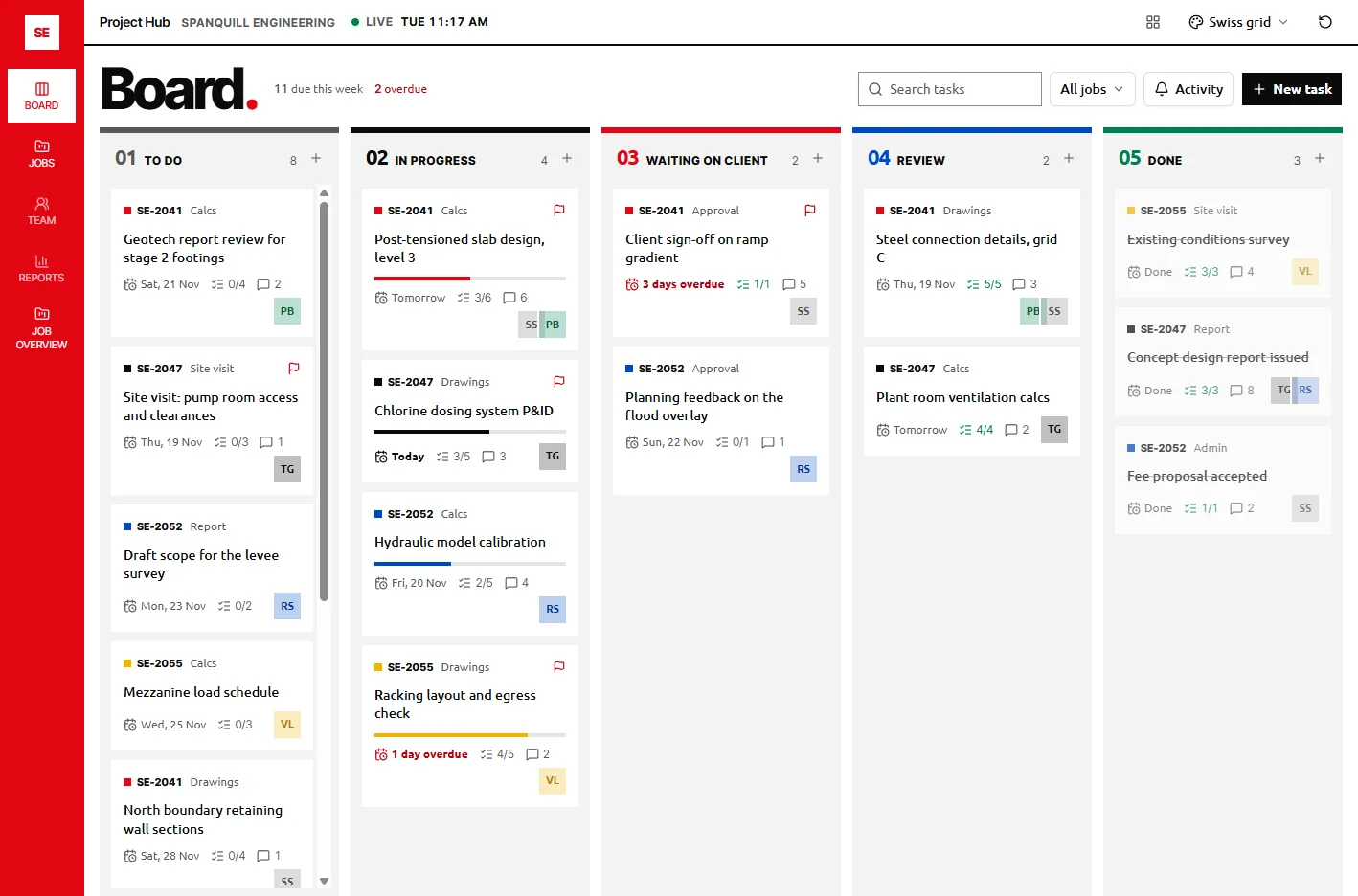
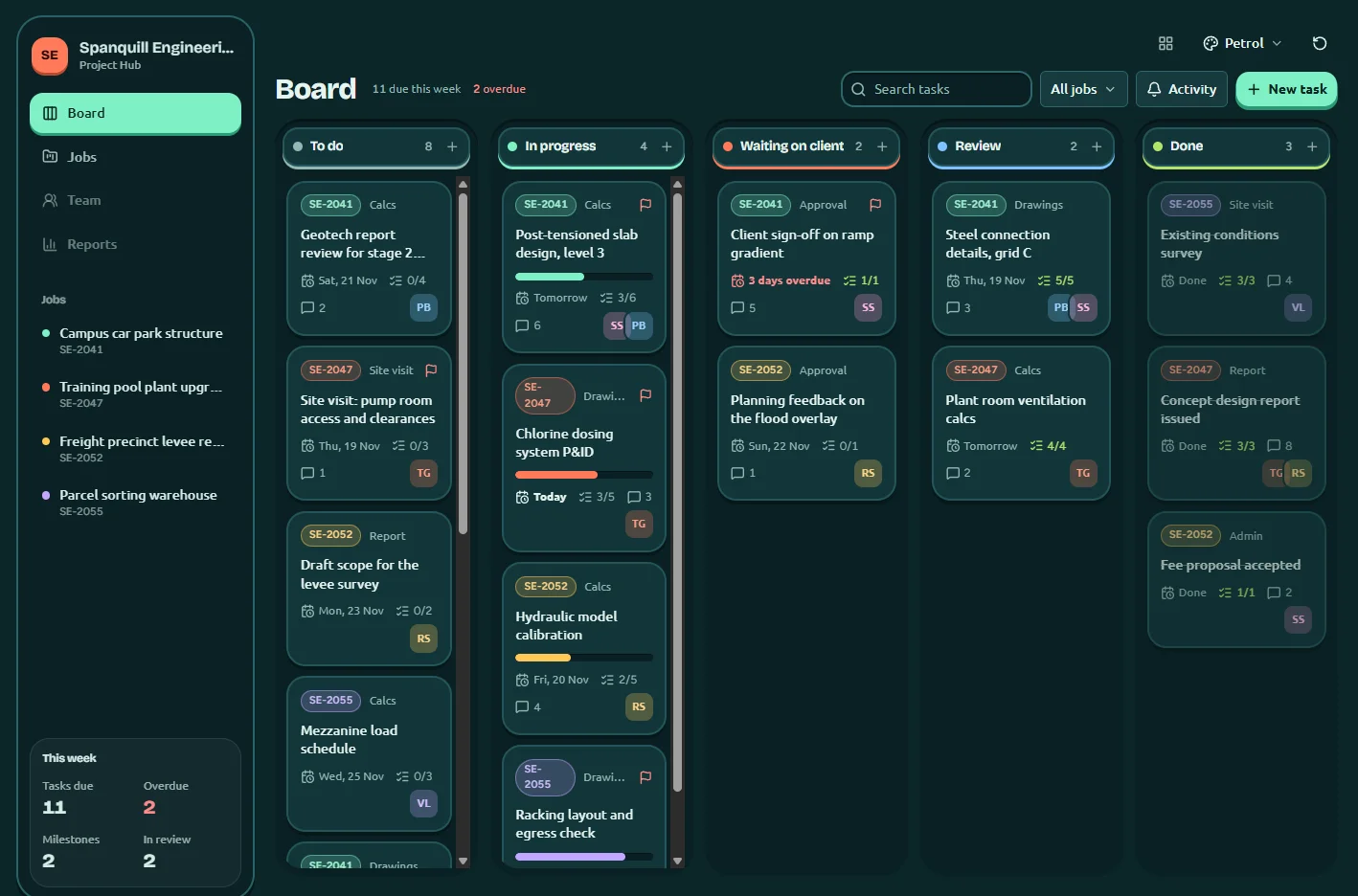
Move tasks across a live kanban board, inspect job milestones and deadlines, and switch between four layouts built for project-based teams.

Try this: Move a task across the board

Theme preview: Dark graphite

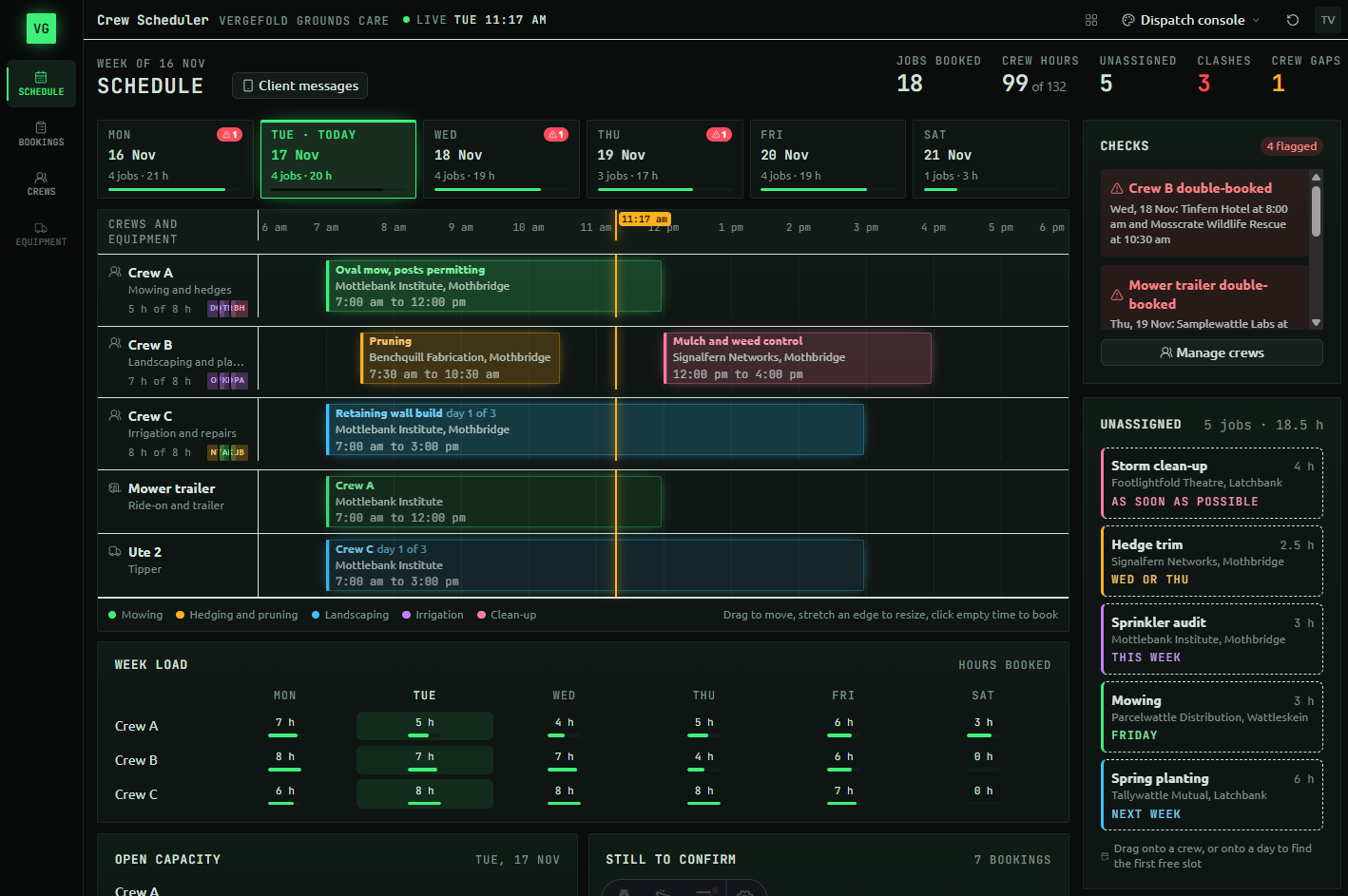
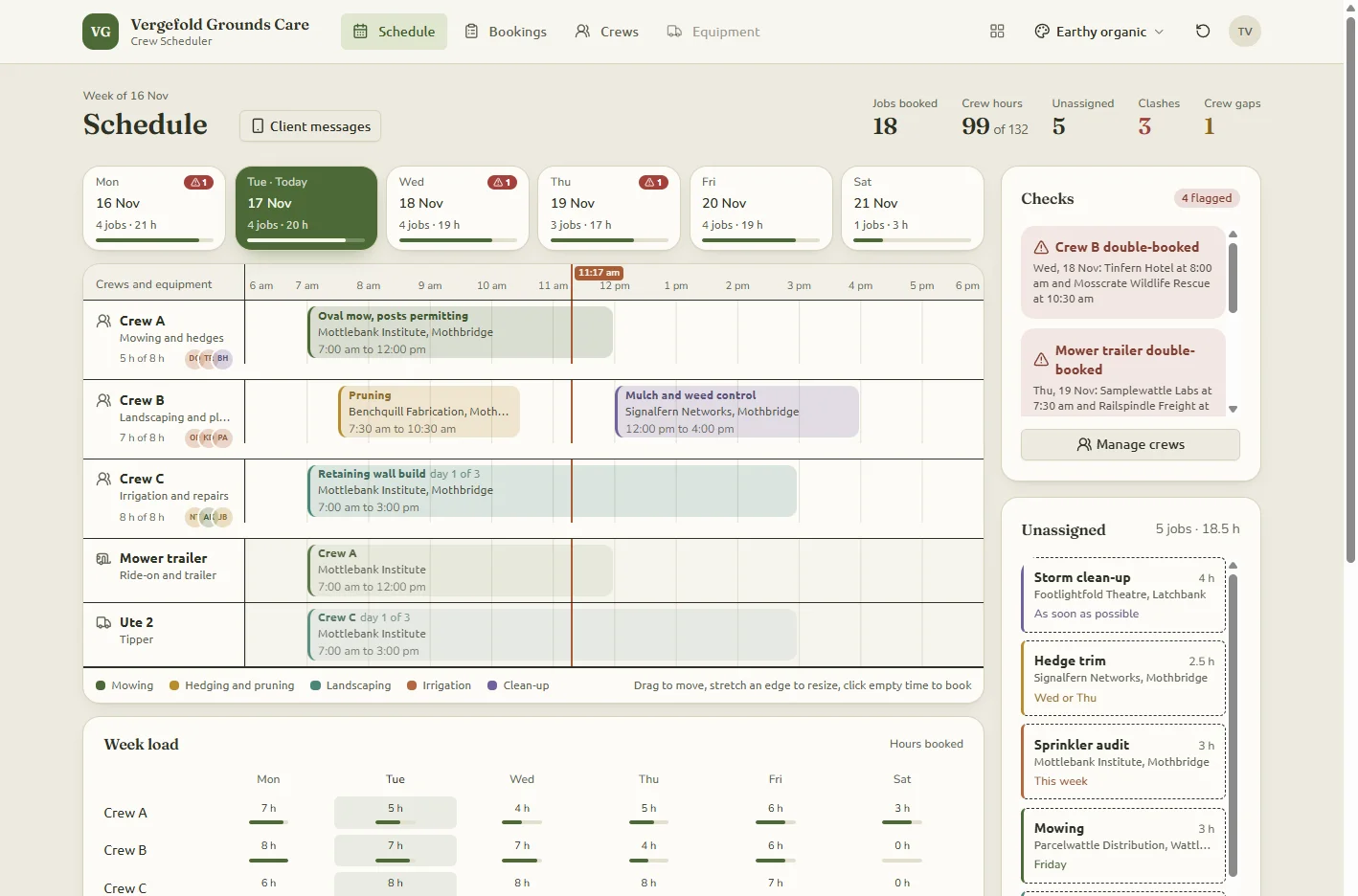
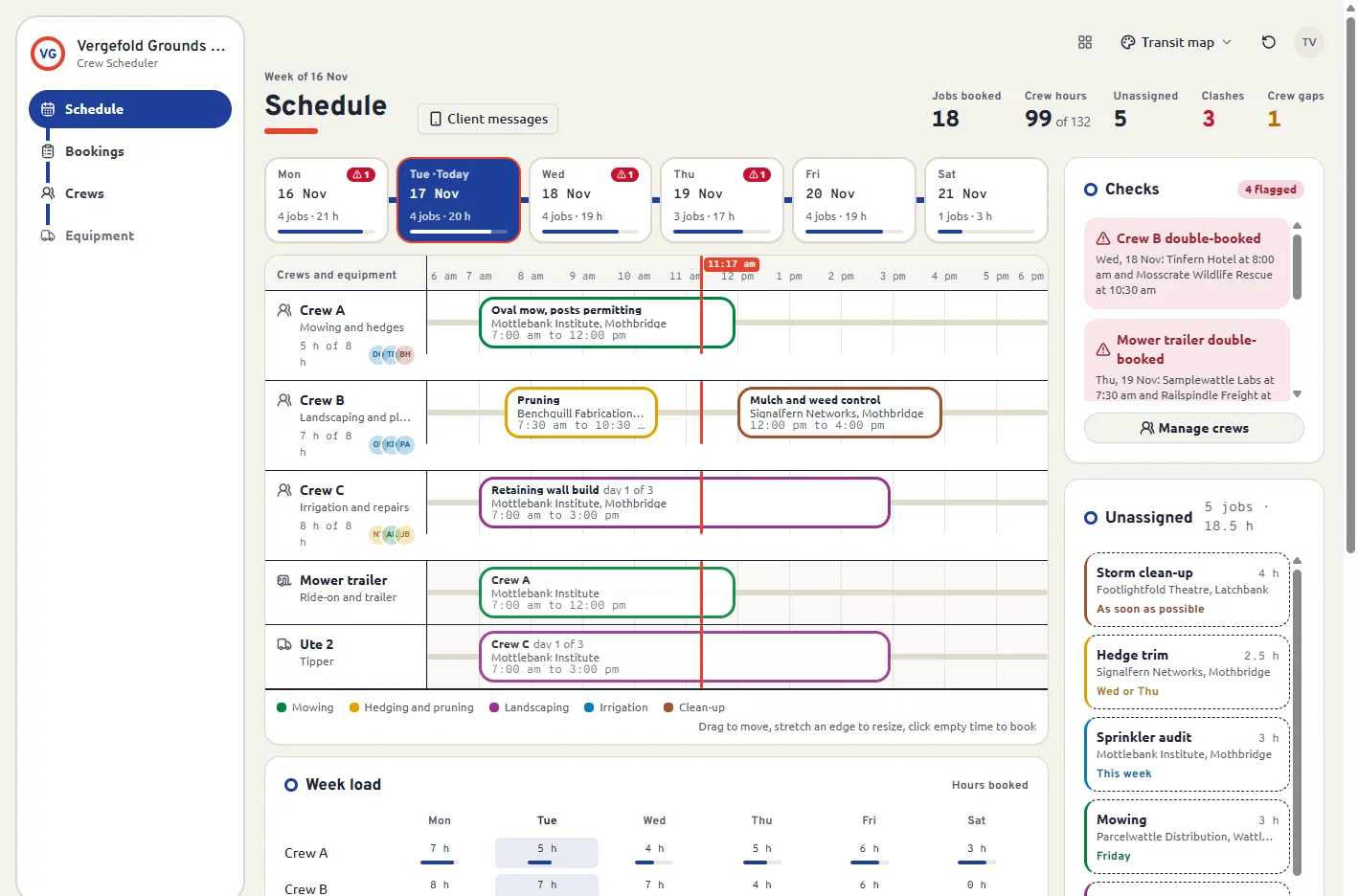
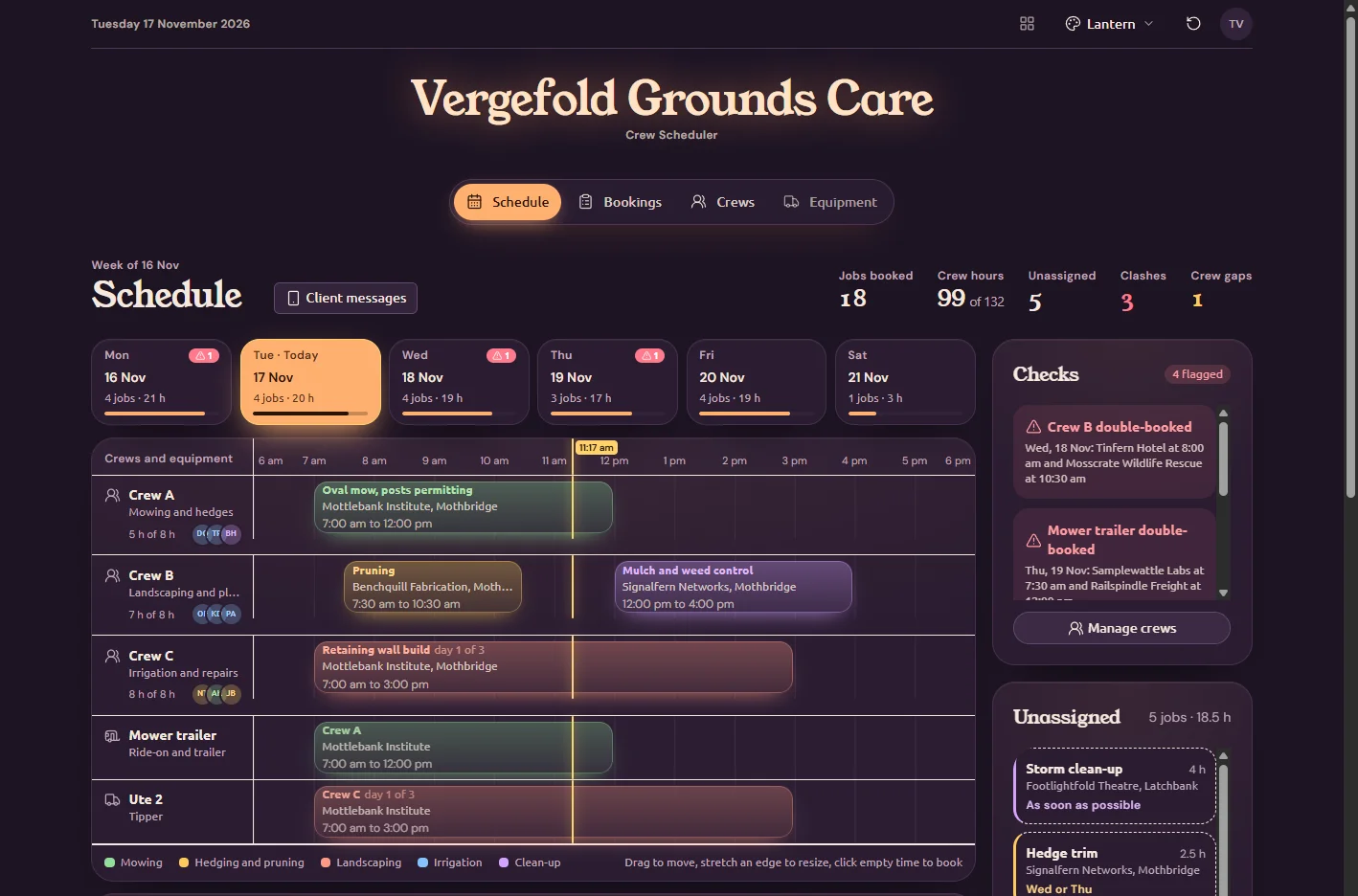
Interactive Booking & Scheduling demo preview showing crew dispatch and job allocations in the Dispatch console theme

Booking & Scheduling

Allocate incoming bookings to field crews, review crew capacity on a live schedule, and spot clashes across vehicles and jobs.

Try this: Assign an unallocated booking to a crew

Theme preview: Dispatch console

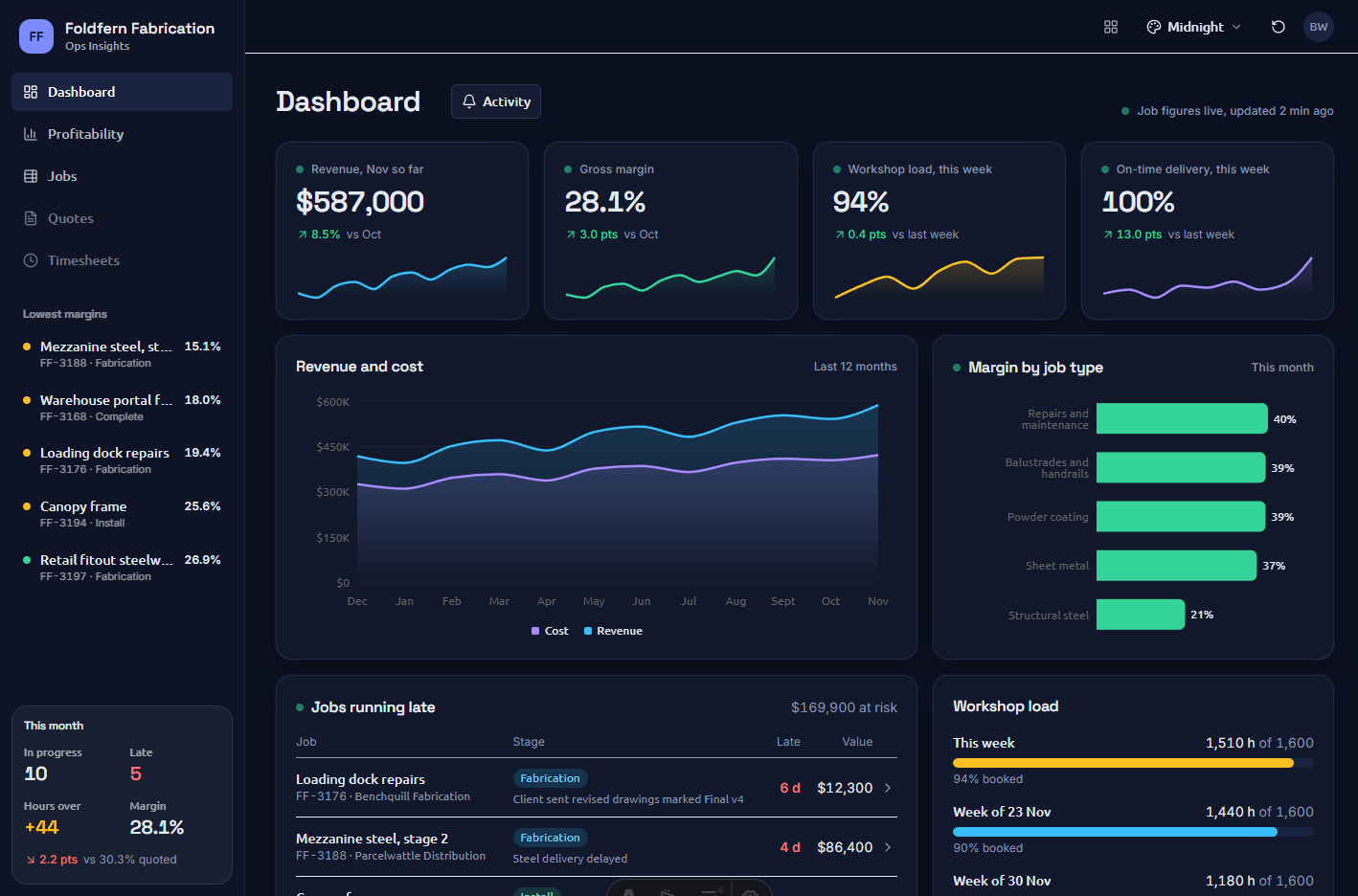
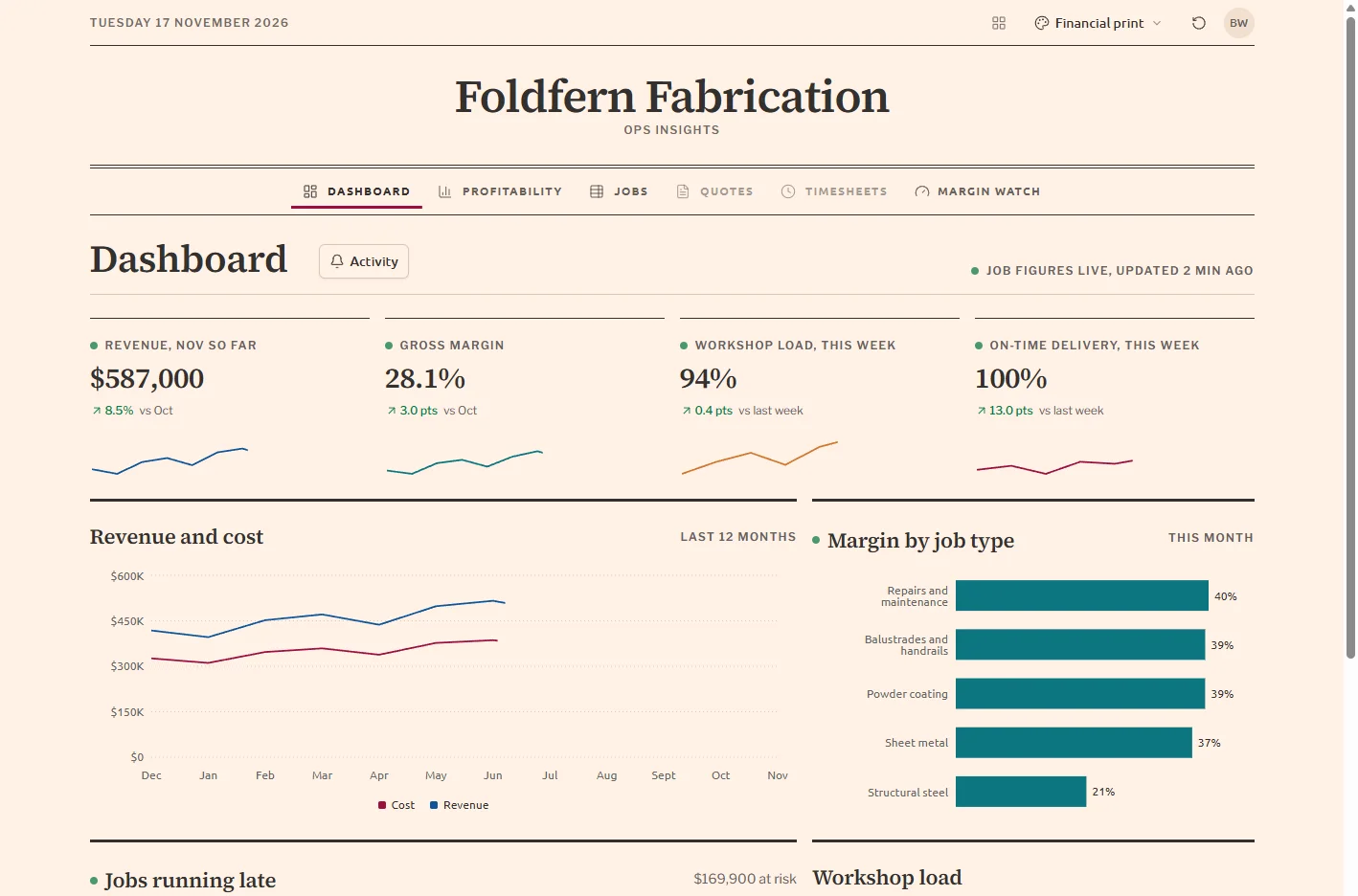
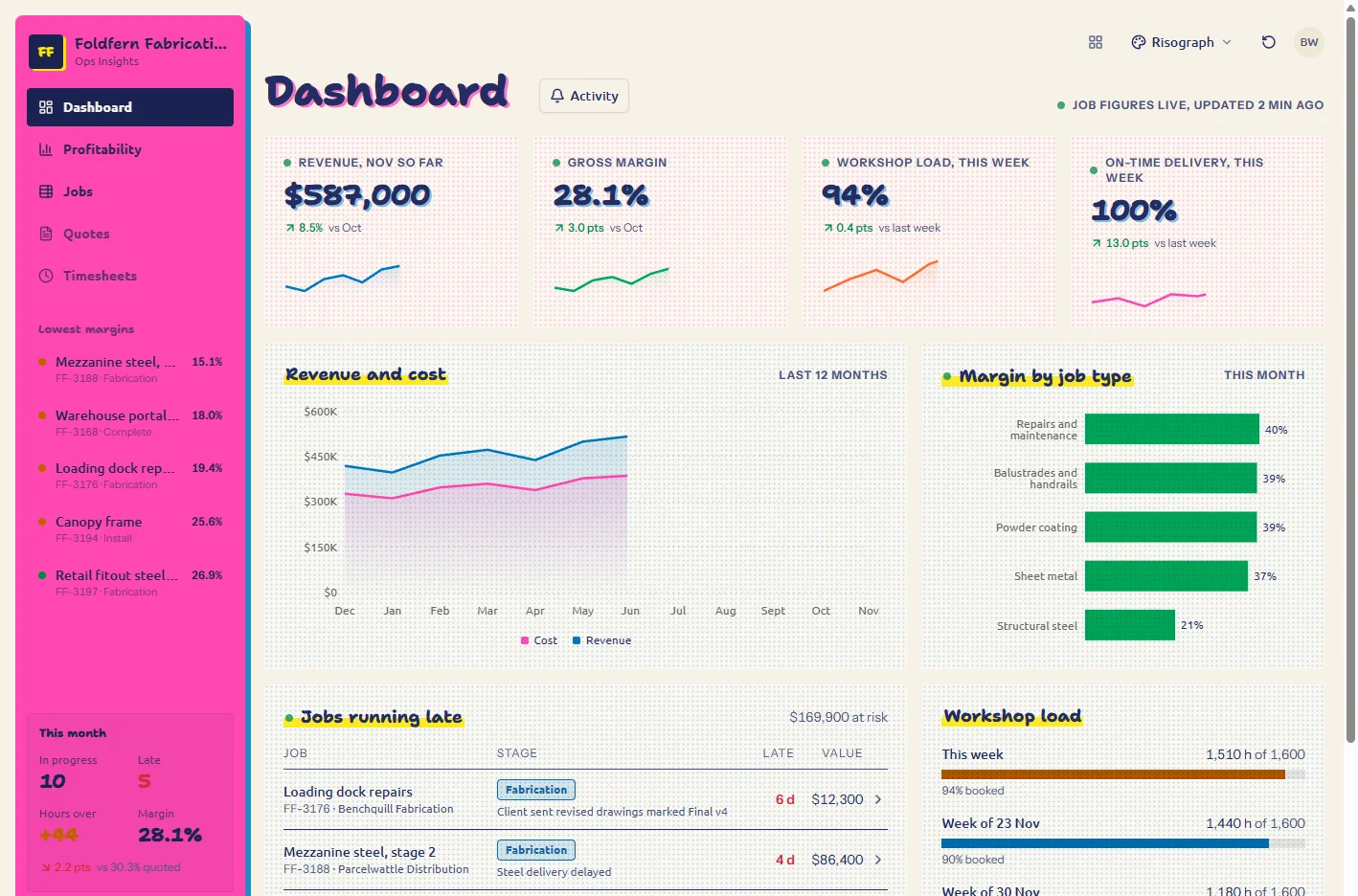
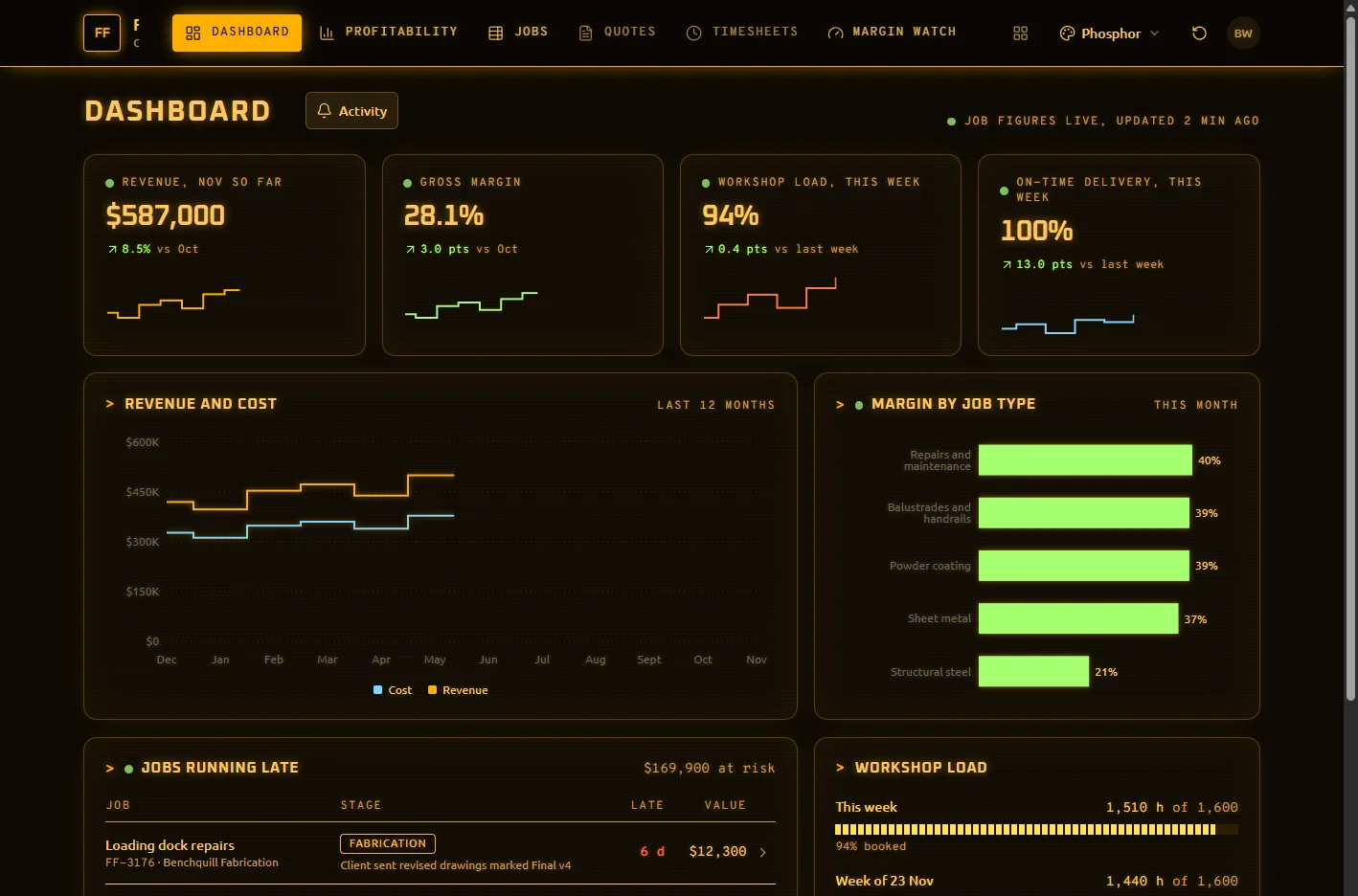
Interactive Reporting & Dashboards demo preview showing live job profitability charts in the Midnight theme

Reporting & Dashboards

Explore live operational dashboards, drill into job profitability, and flag work slipping on margin before month end.

Try this: Open a job that is slipping on margin

Theme preview: Midnight

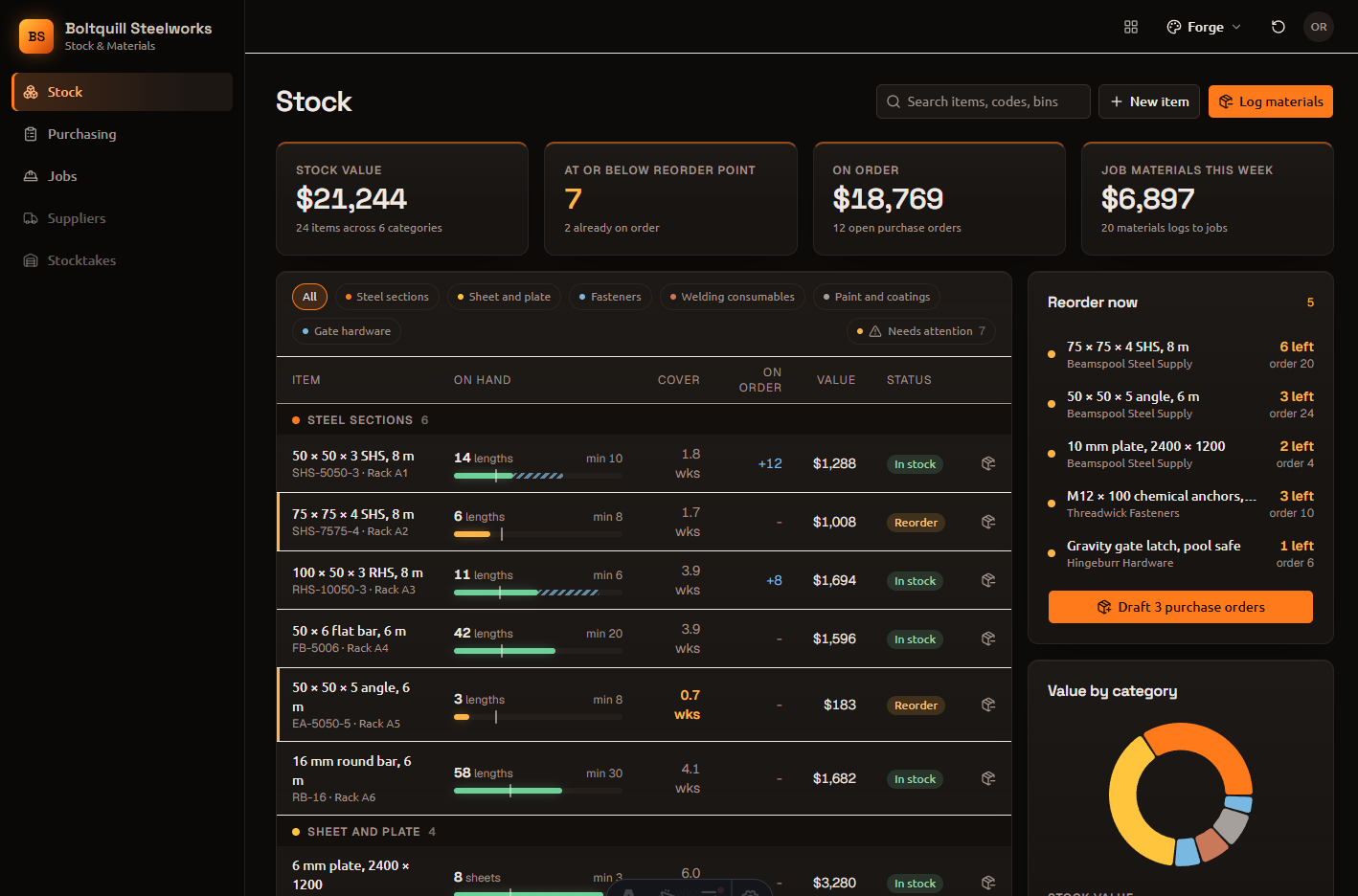
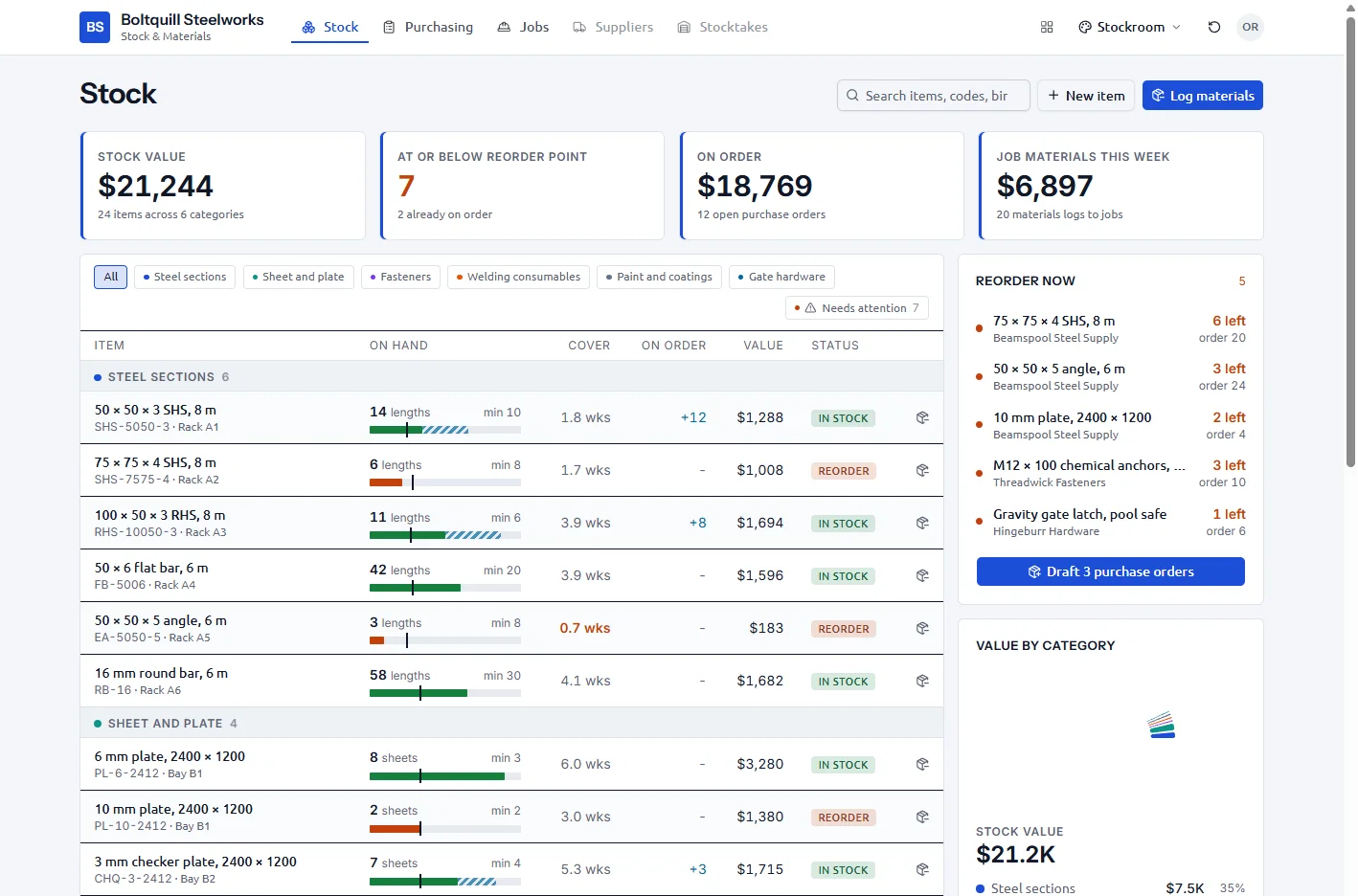
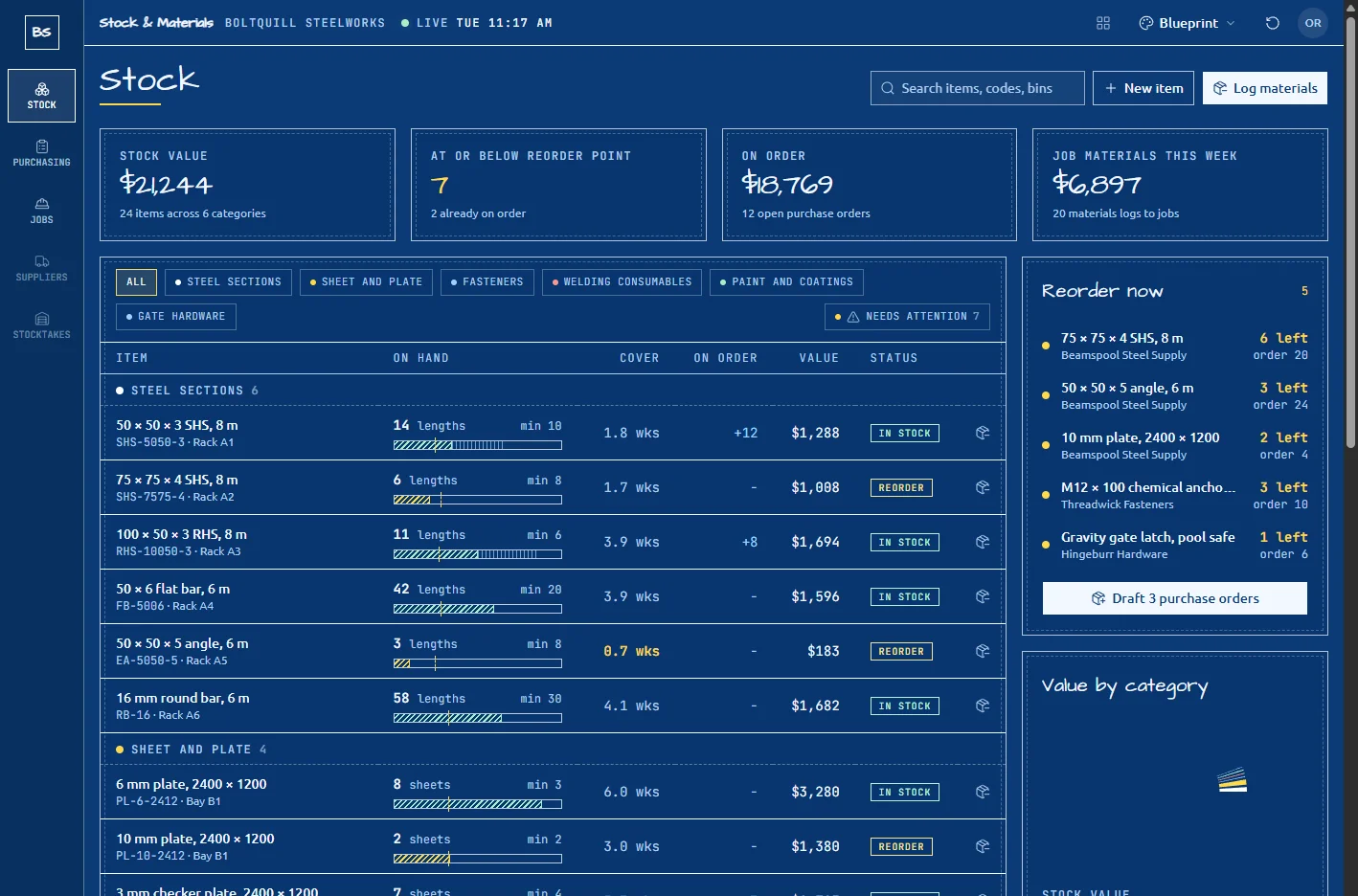
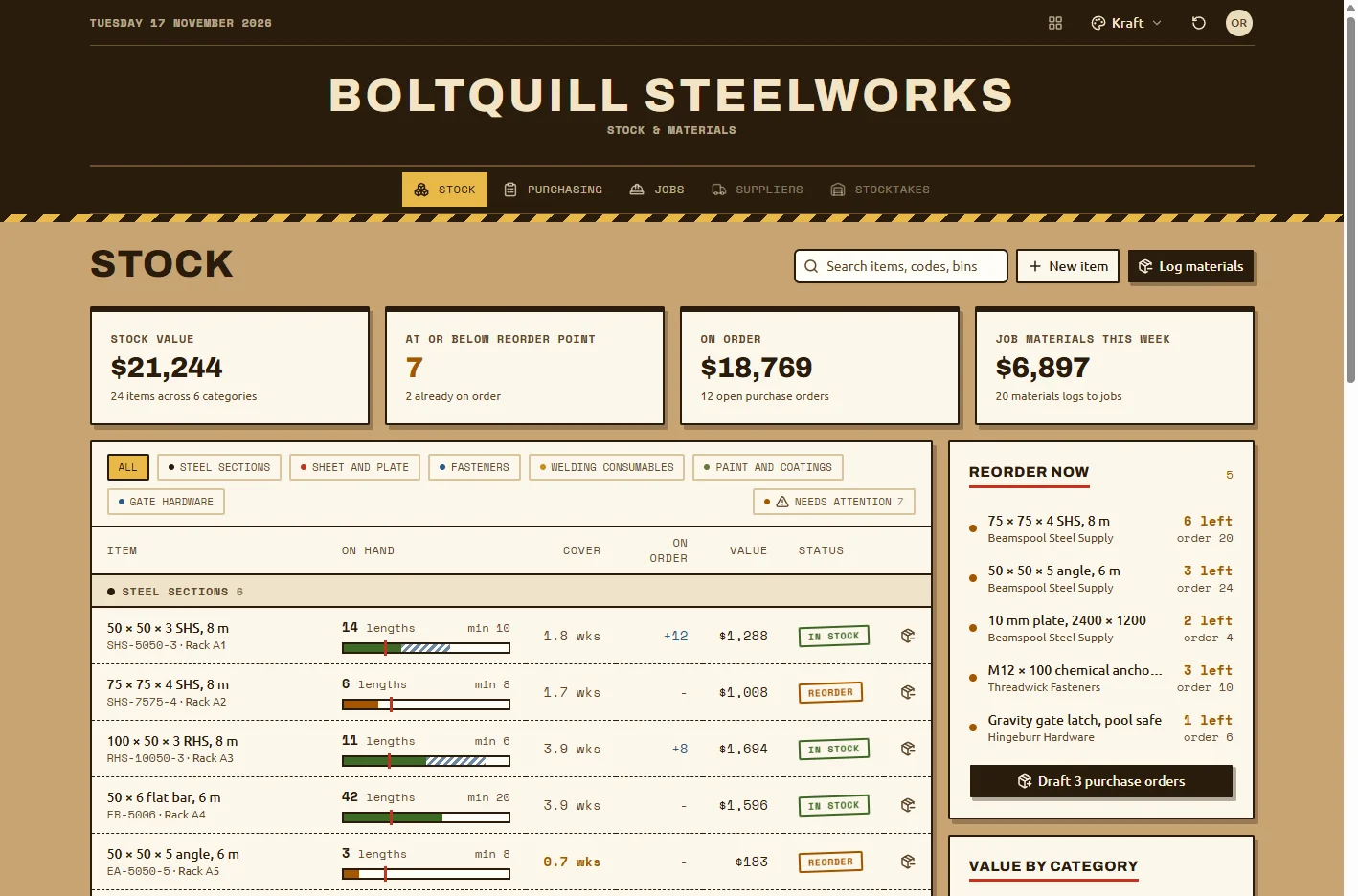
Interactive Inventory & Materials demo preview showing live stock levels and purchasing in the Forge theme

Inventory & Materials

Record materials used on active jobs, check low-stock alerts, and raise purchase orders with stock levels and job costs staying in sync.

Try this: Log materials used on a job

Theme preview: Forge

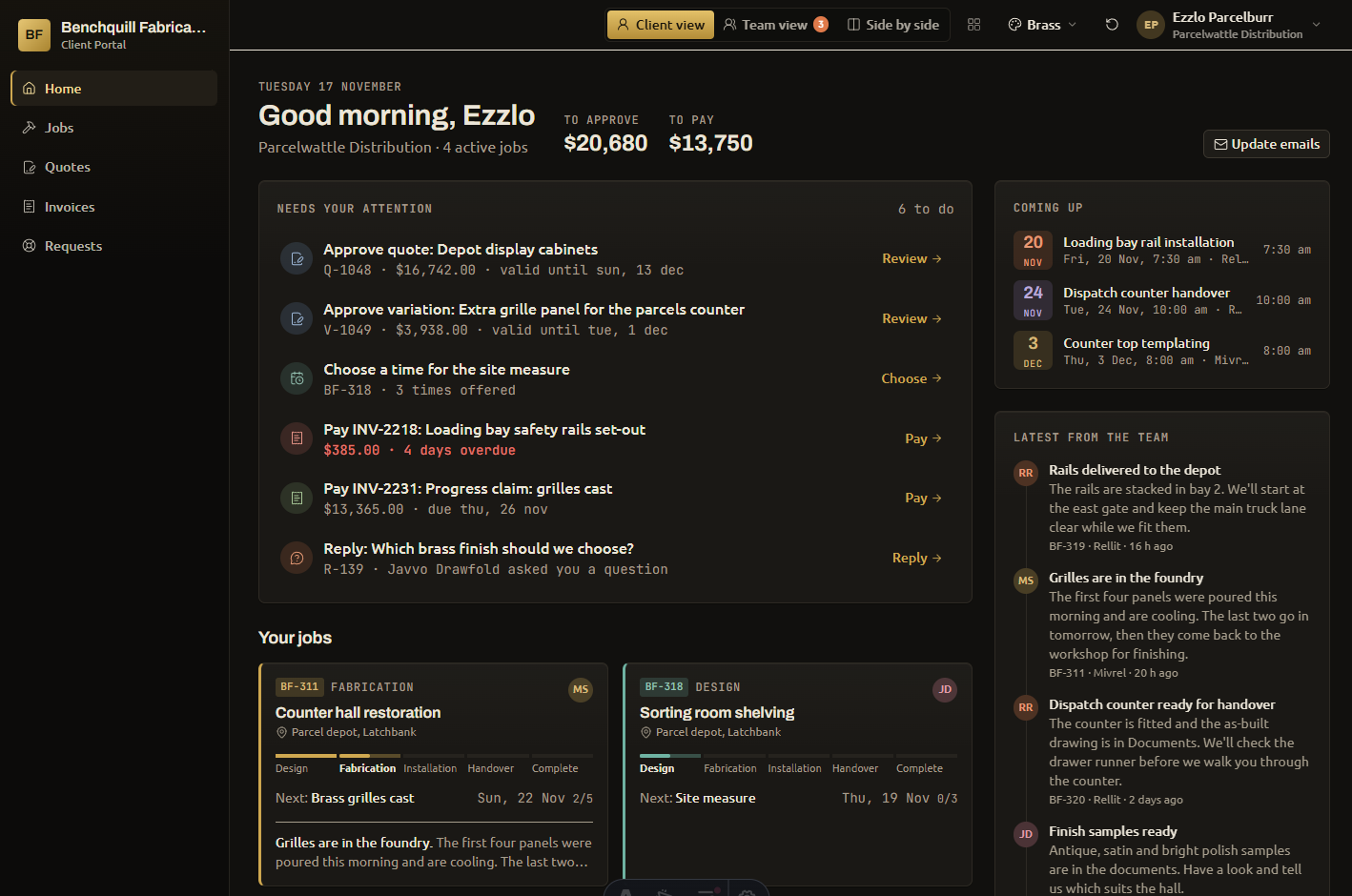
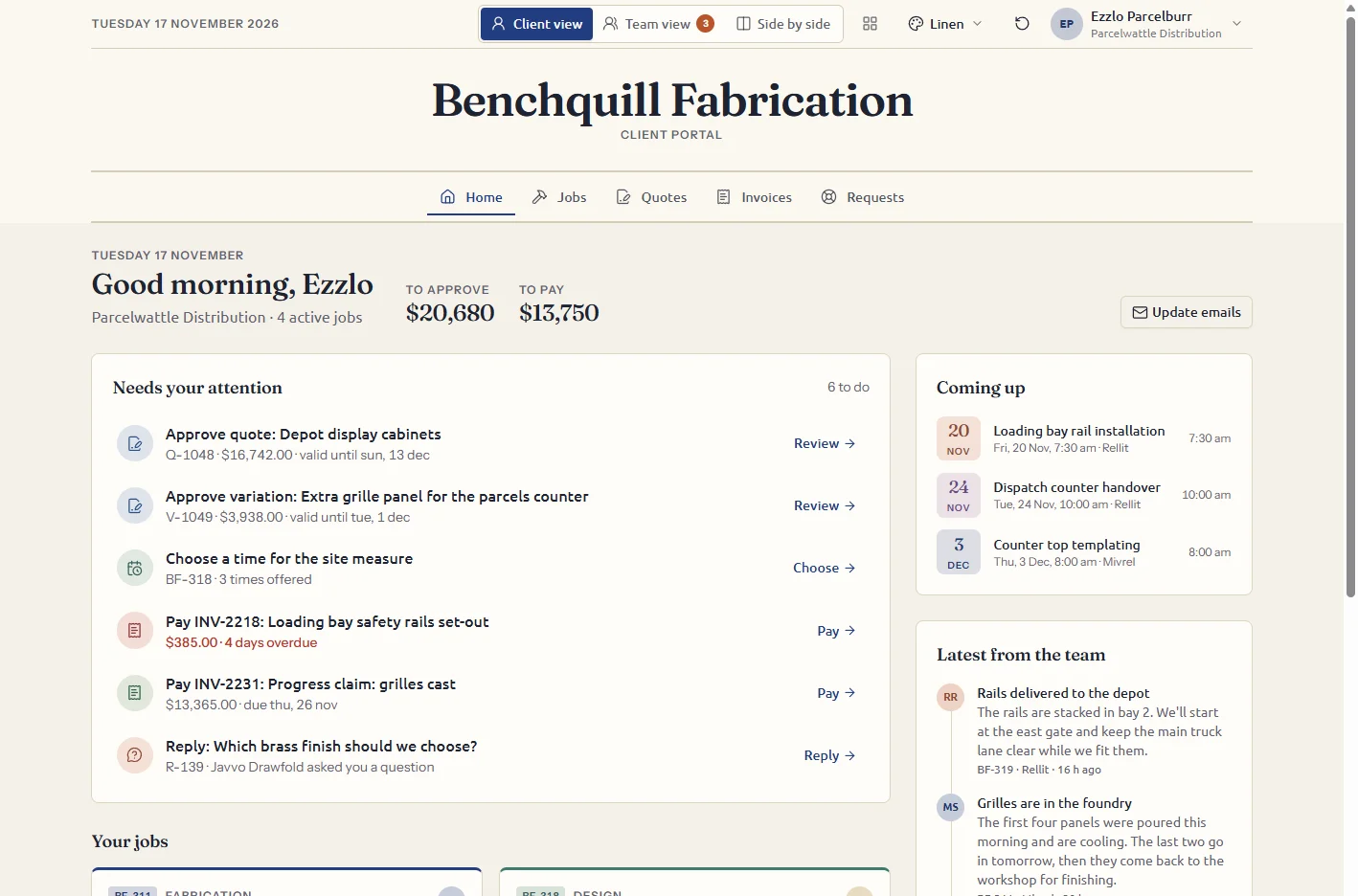
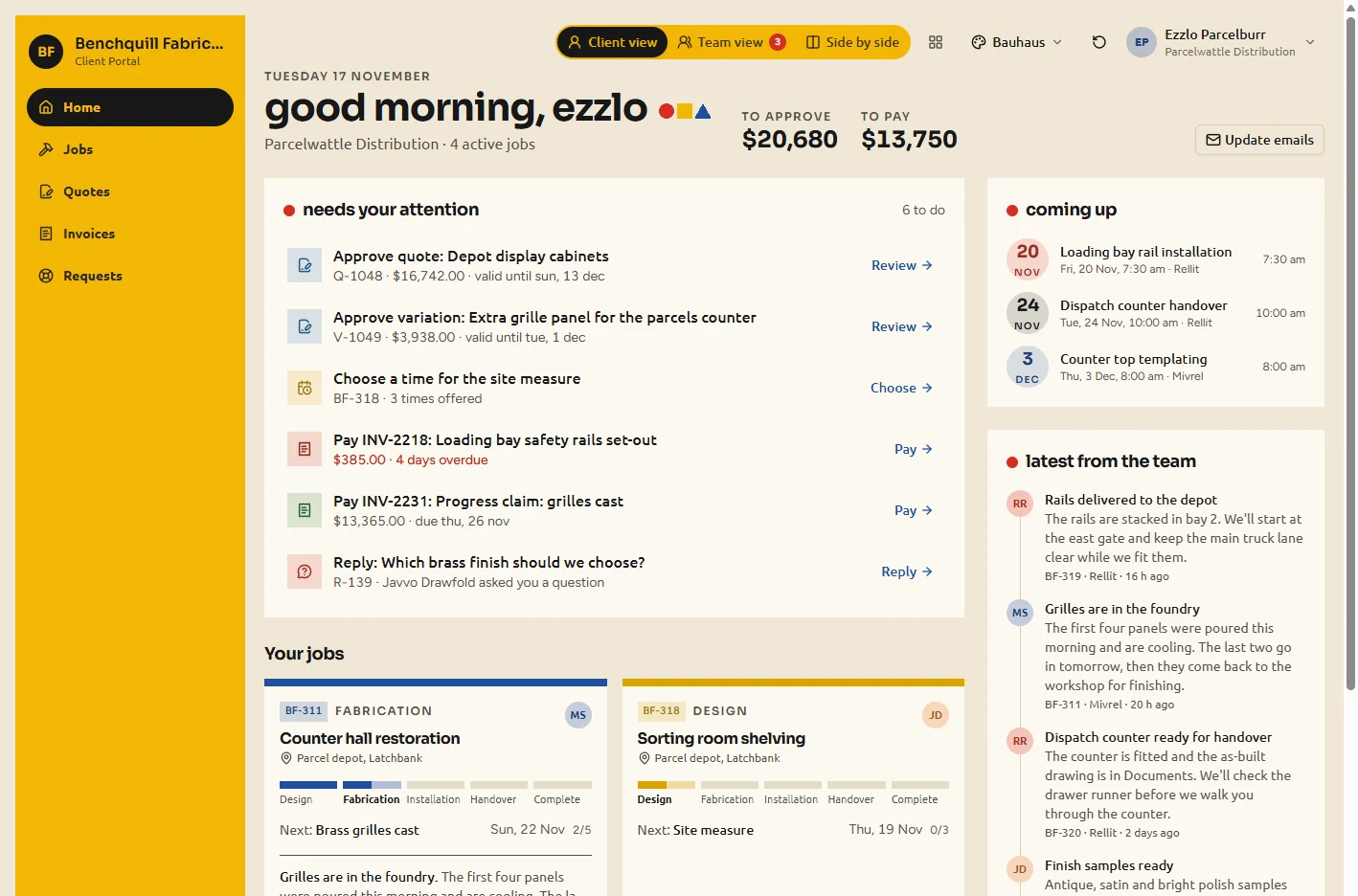
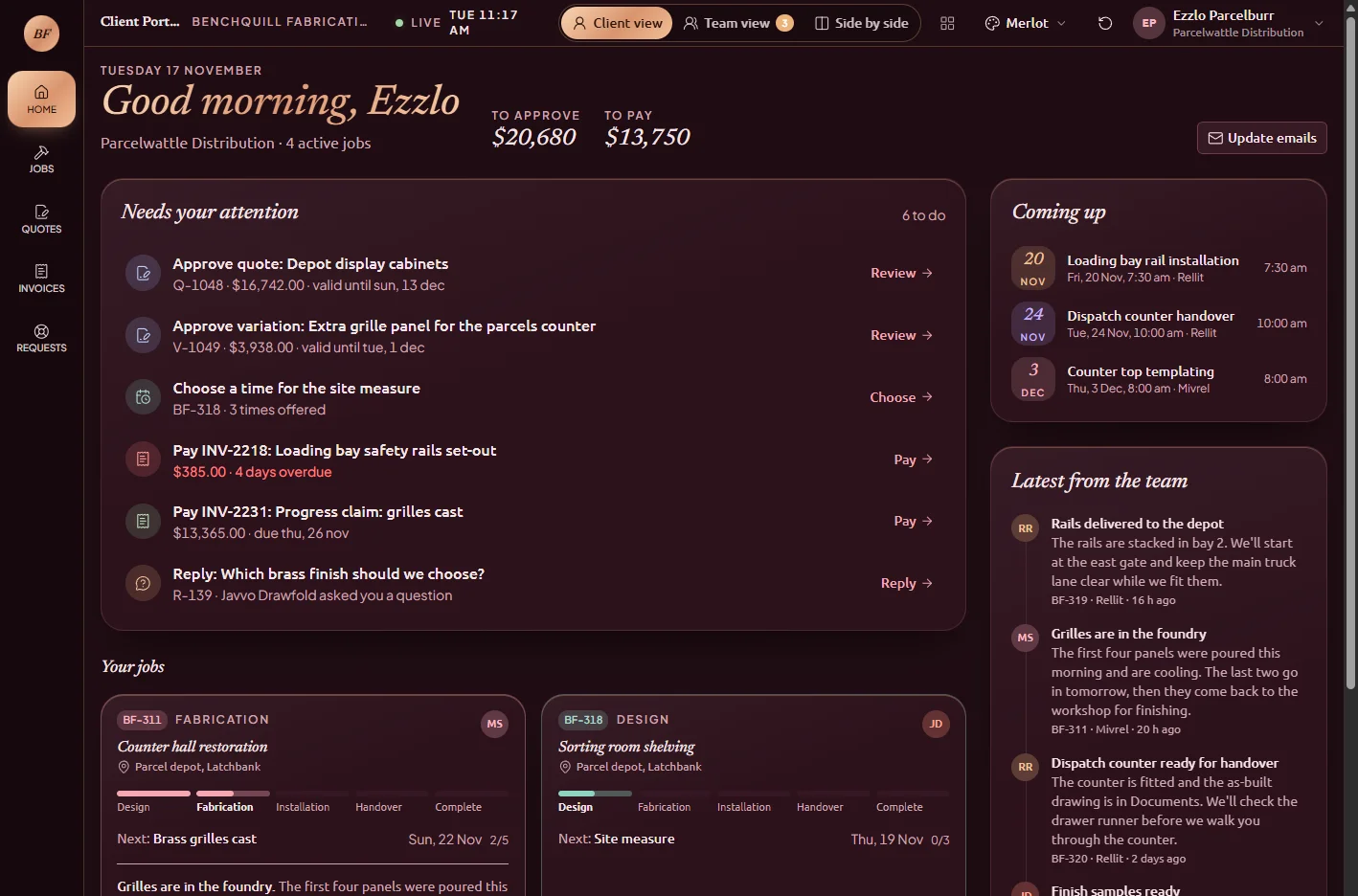
Interactive Client Portals demo preview showing client job tracking and quote approvals in the Brass theme

Client Portals

Switch between the client and internal team views to approve quotes, follow job progress, review invoices, and log requests side by side.

Try this: Approve a quote from the client's side

Theme preview: Brass

Site Explorer

See every page and demo screen on one transit map. It is a data visualisation demo built from this site's own pages.

What these demos show

Each demo is a working slice of the custom business software we build for Australian teams, designed to show how real workflows look and feel before you scope a project.

Switchable themes and layouts

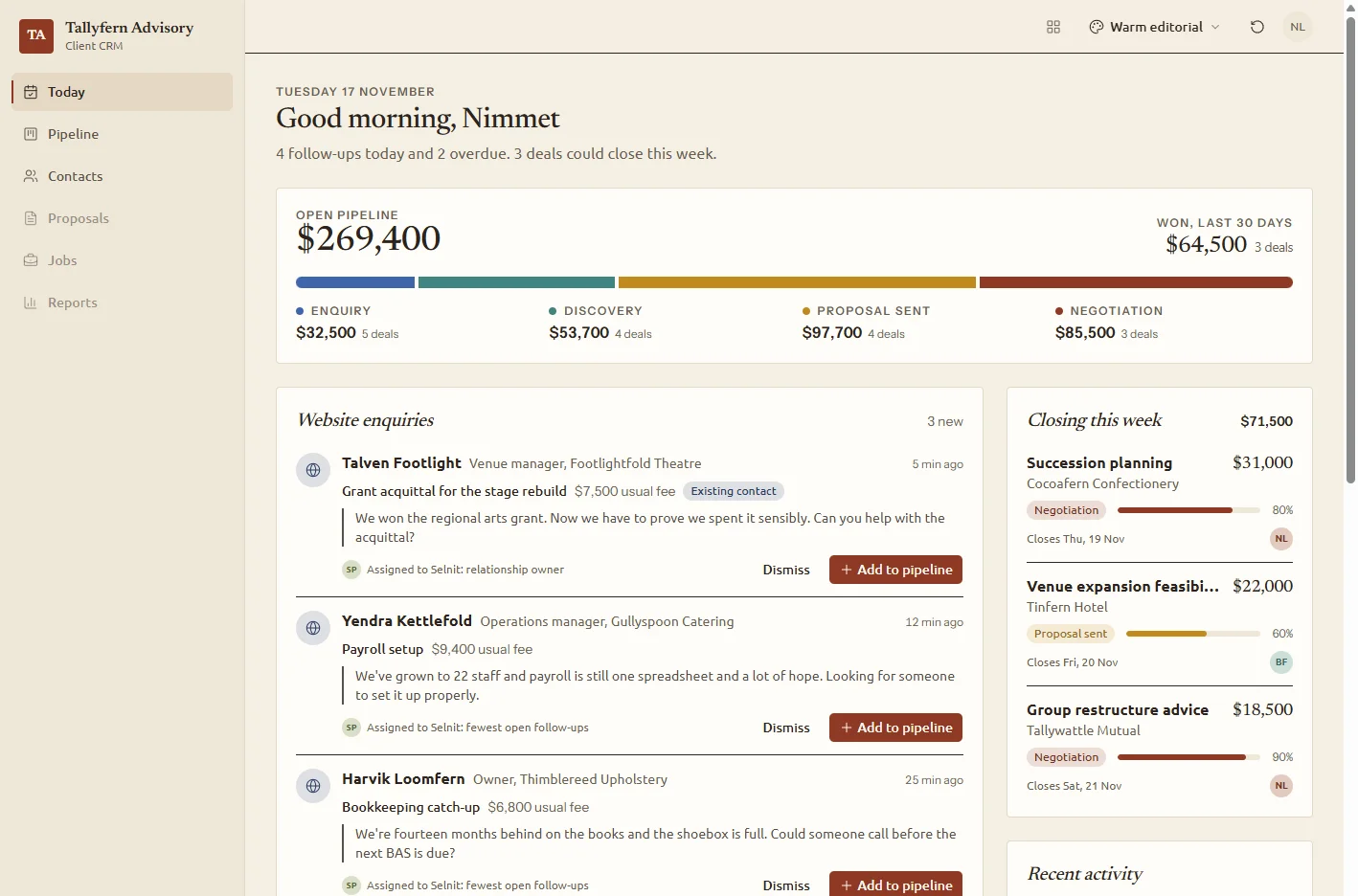
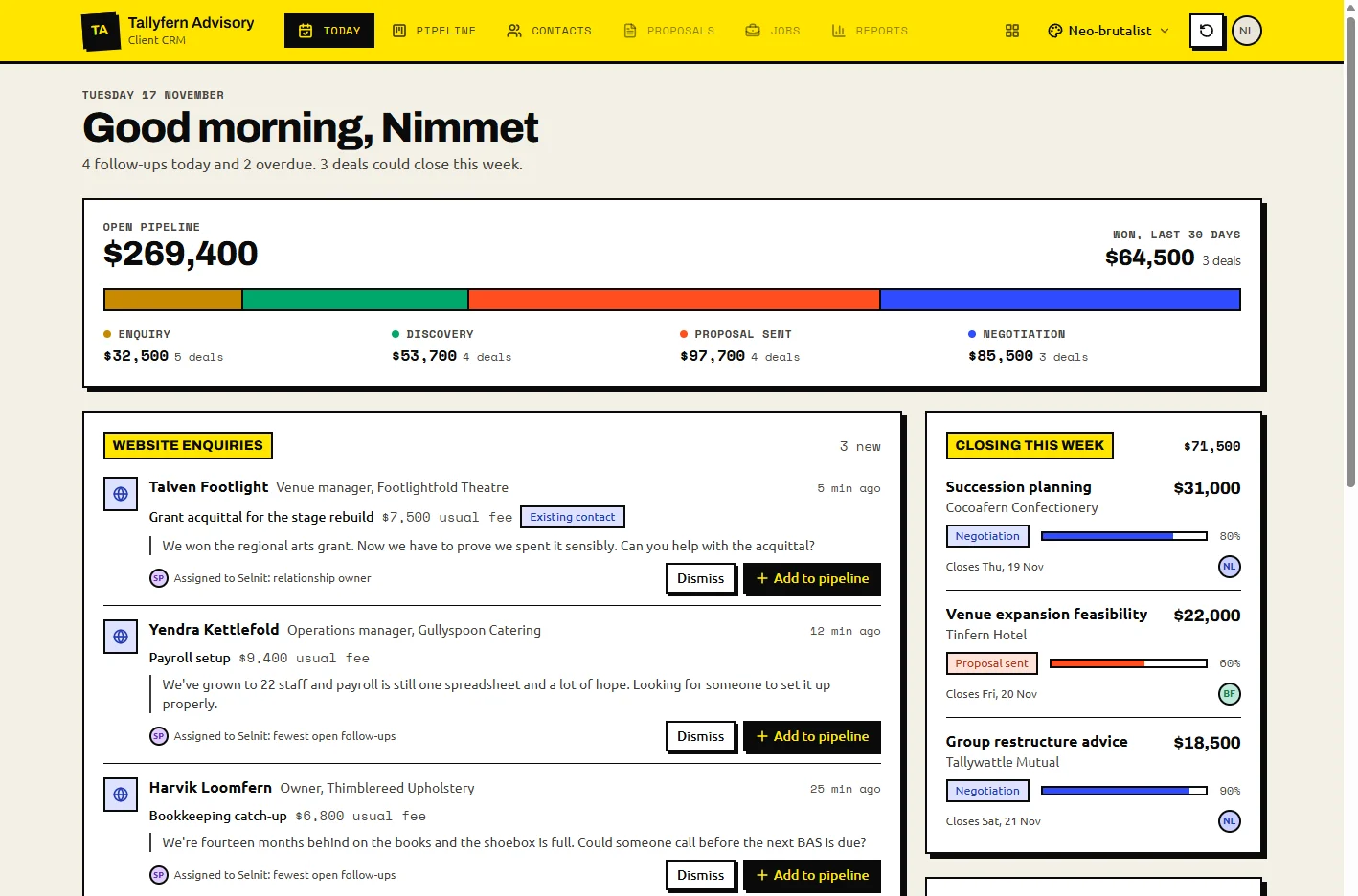
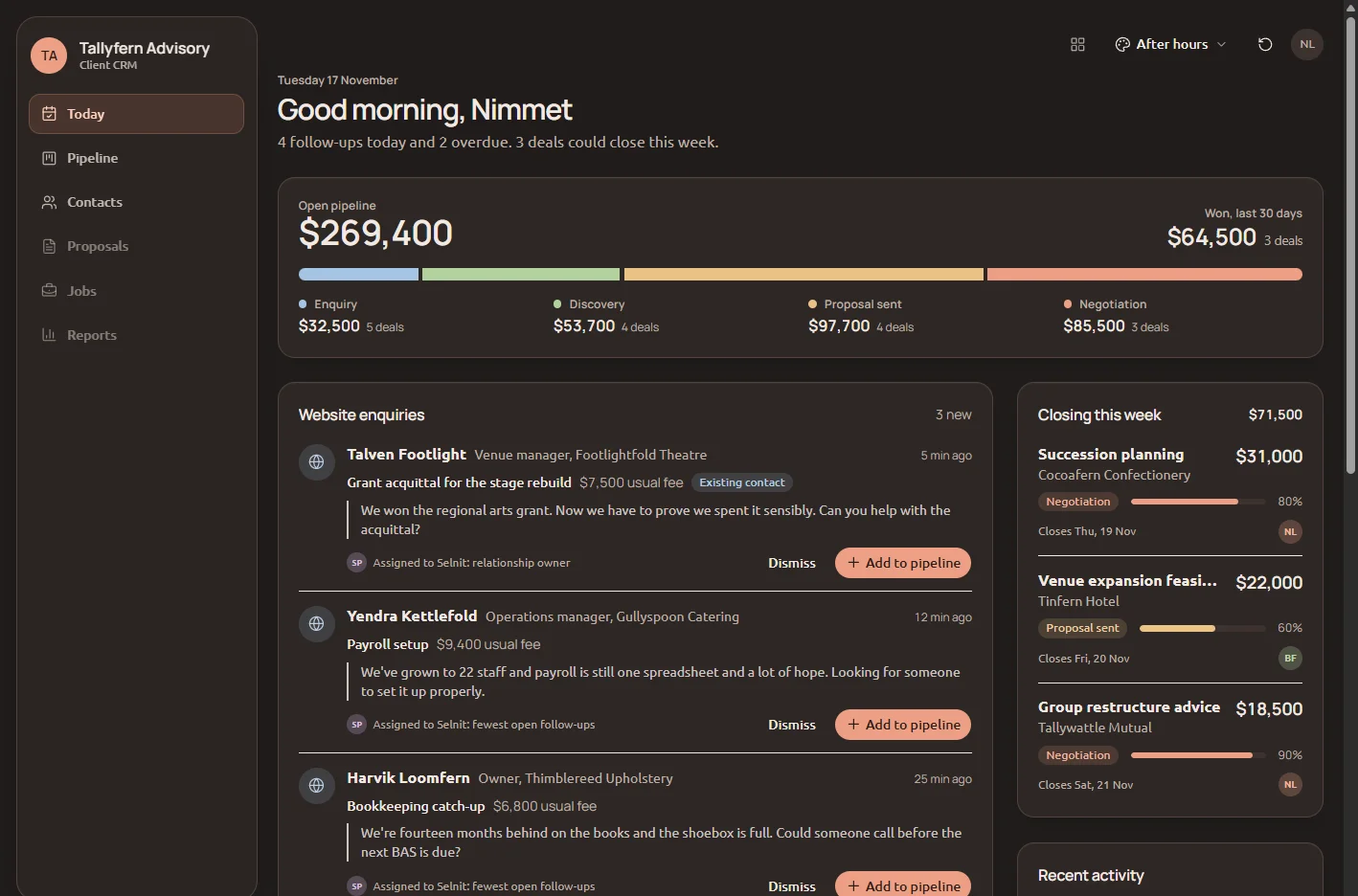
Each demo includes four distinct visual themes and navigation styles, from compact dispatch consoles to clean editorial workspaces. Custom software does not have to look generic: we tailor the interface to your brand and how your staff prefer to work.

Modules built to connect

CRM, jobs, scheduling, inventory, reporting, and client portals do not have to live in six separate subscriptions. Start with the workflow causing the biggest bottleneck, connect it to existing tools like Xero, and add modules as your team expands.

Real interactions, zero setup

Every screen runs live in your browser with no account or sales call required. Drag tasks, assign crews, log materials, and approve quotes freely. All business names and figures are fictional, and everything resets when you refresh.

Want to see what else we build or how fixed-price projects are scoped? Explore our services or read how we work.

Want something like this built for your business?

Every demo here is a starting point. Book a free discovery call and we will look at how your team works, what needs to connect, and what a tailored system would look like.